NAMplify keeps it easy: amps, pedals and IRs from TONE3000 sort themselves
into the right stompbox — organized in banks you flip through like channels, with presets
right on the pedal. Your whole rig on one screen, every sound one click away.
No importing, no folders, no menu diving.
TONE3000 integrated · sign in on the fly
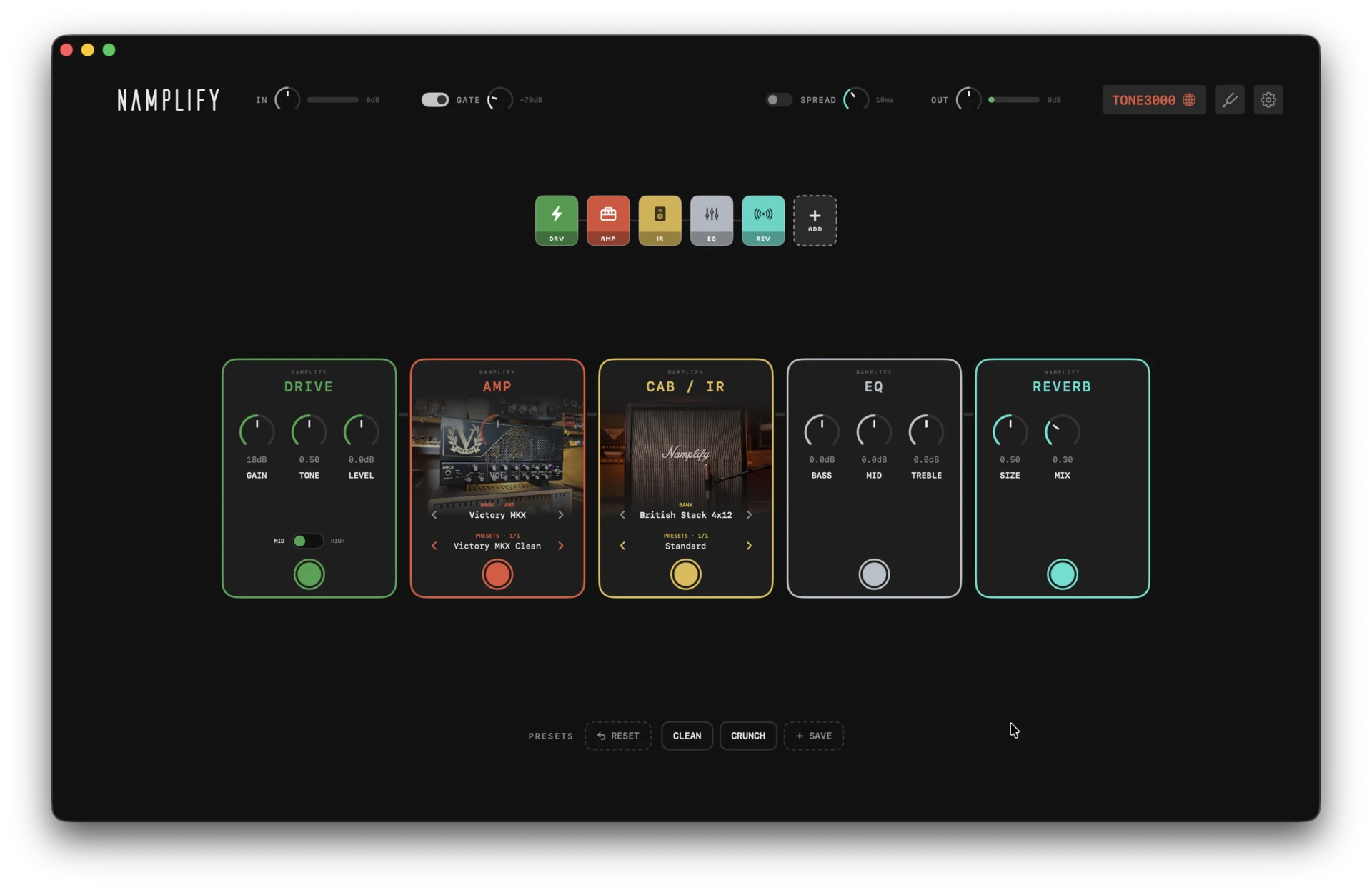
Pedalboard layout
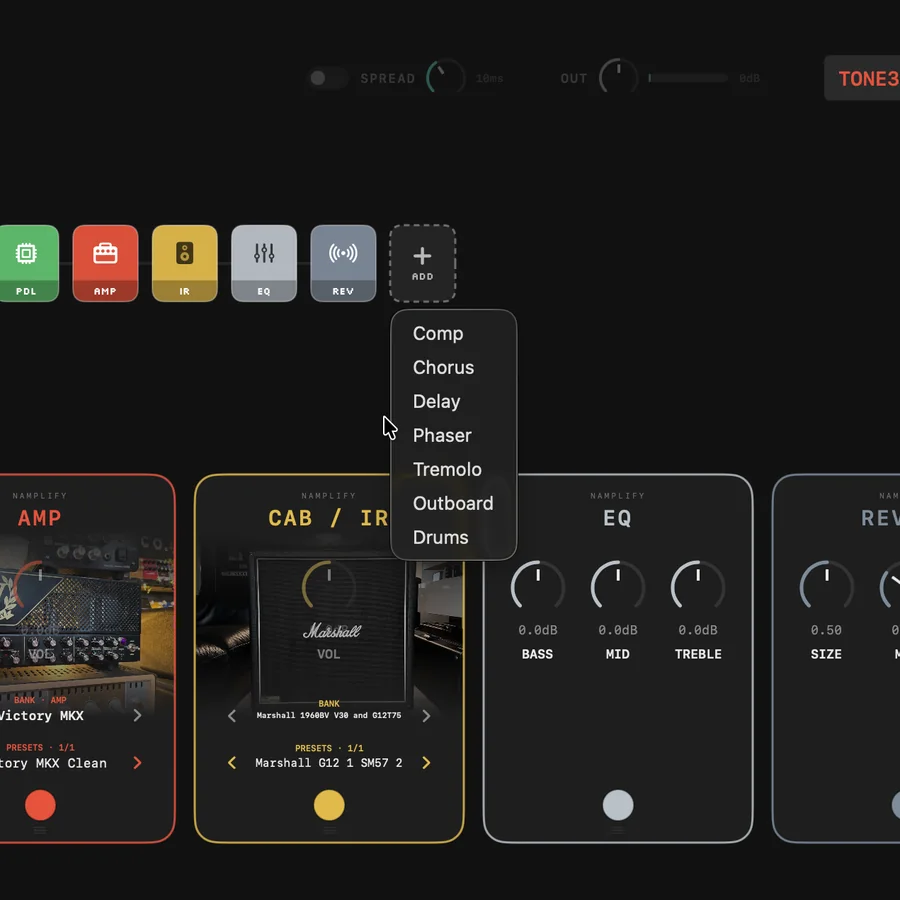
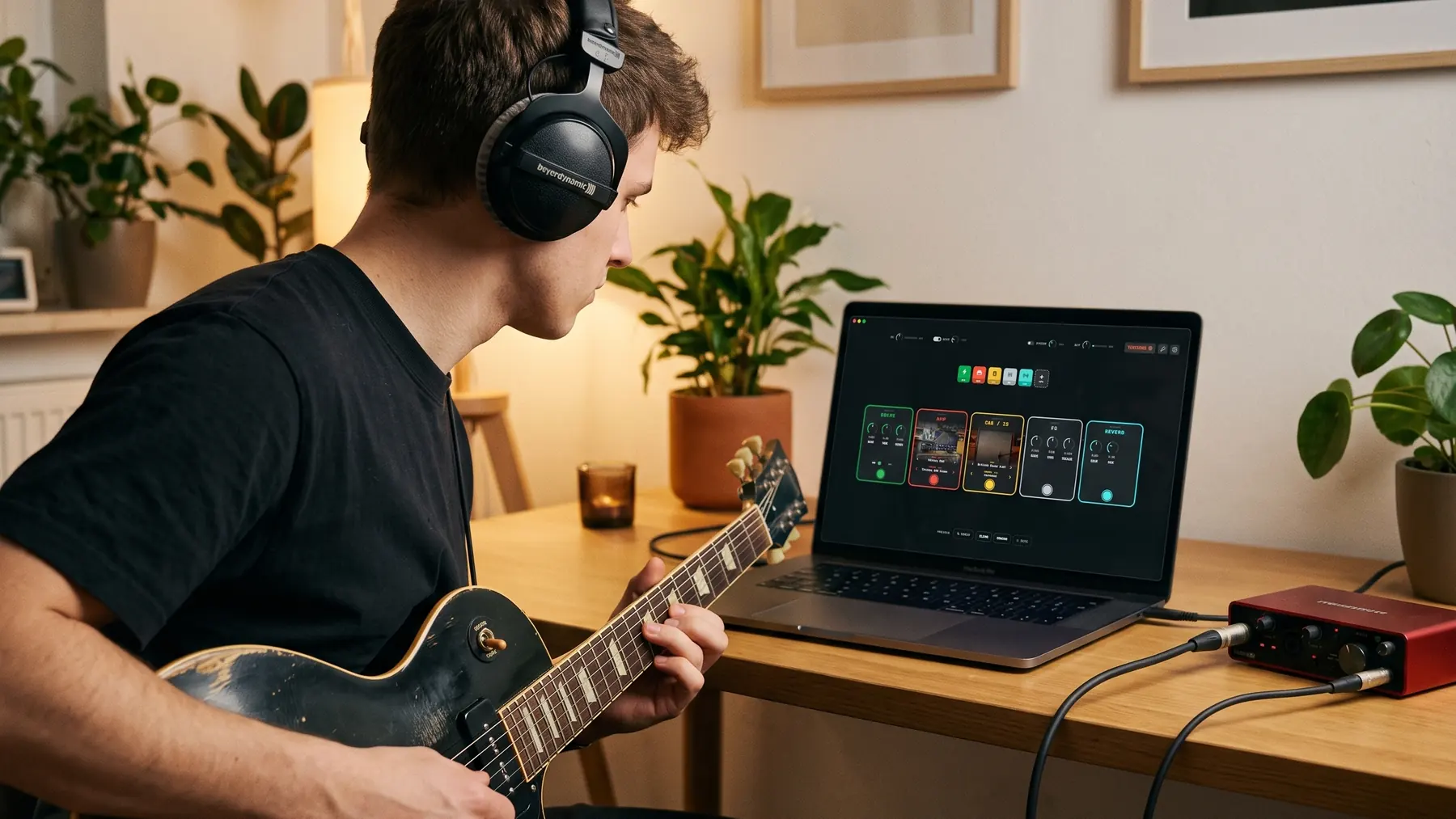
Amp in the middle, effects around it. Gate, comp, drive, EQ, modulation, delay and reverb — drag them into any order, right-click to remove.
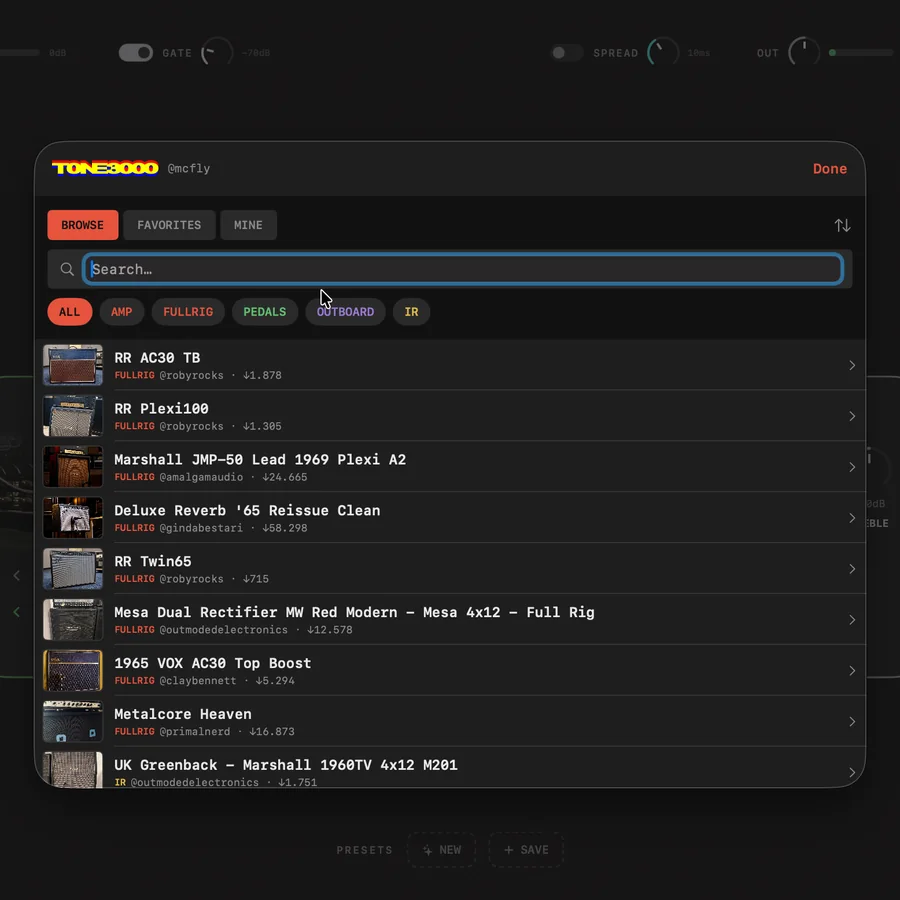
TONE3000 built in
Browse, favorite and download amps, pedals, outboard gear and IRs straight from TONE3000 — sorted automatically into their own lists and pedals. Downloads land in banks you can flip through.
Tuner, drums & presets
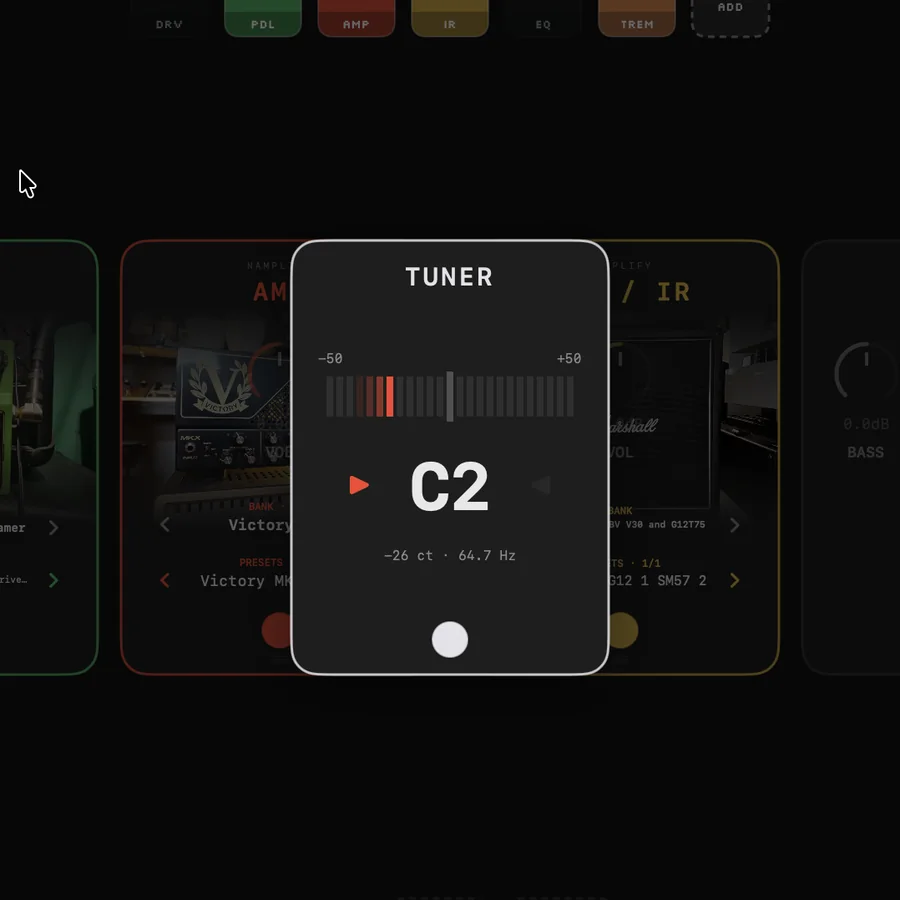
One-click tuner that floats over the board (and mutes the output), a small drum machine to play along to, and presets to switch sounds in one click.
See it in action
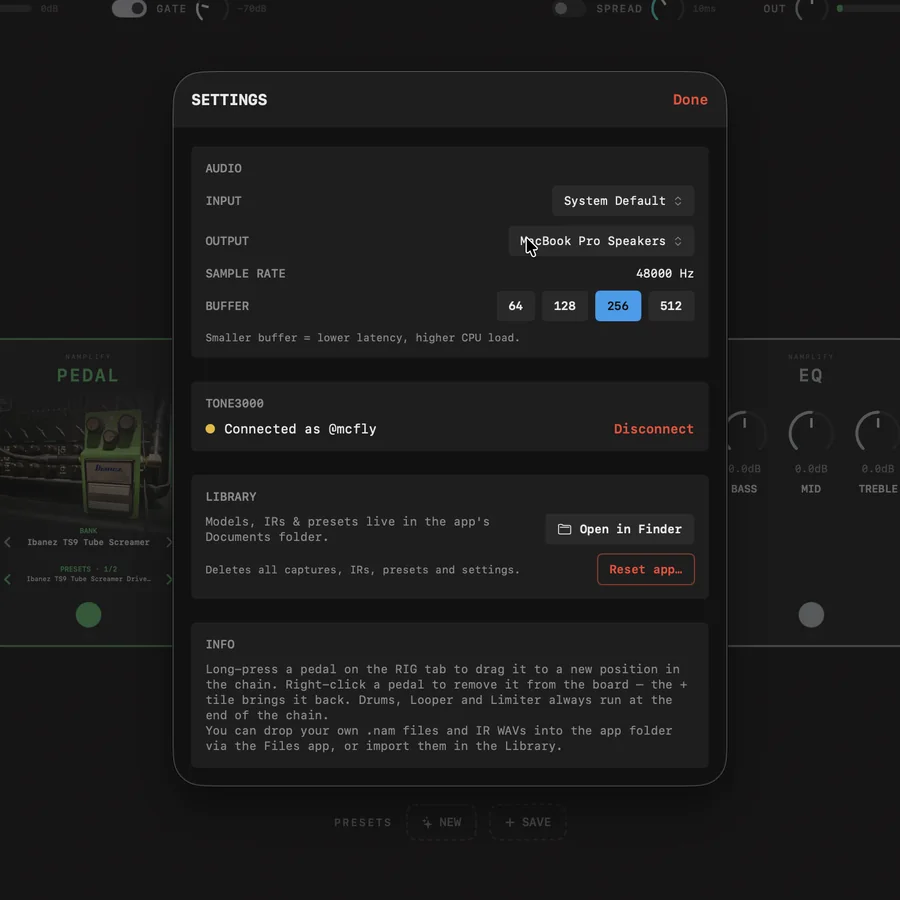
TONE3000, built in. Browse thousands of captures and load one in a click.One-click tuner. Mutes the output, floats over the board — stomp it off and play.Your board, your rules. Add what you need — comp, modulation, outboard gear, drums.Simple settings. Pick your interface, buffer size and TONE3000 account.
What is NAM?
NAM (Neural Amp Modeler) is a free, open-source technology for capturing real
guitar amps. Someone records an amp, a neural network learns how it responds, and the result is
a small file — a "capture" — that reproduces its sound and how it reacts to
picking and the volume knob. The community has shared thousands for free on
TONE3000: vintage combos, modern high-gain heads, rare gear. NAMplify plays
both A1 and A2 captures, in every size down to nano.
Get started in 2 minutes
No DAW to open, no plugin host to configure.
Launch NAMplify, pick a capture, play.
Download the DMG and drag NAMplify into your Applications folder
Right-click → Open on first start. If macOS shows no "Open" button: System Settings → Privacy & Security → "Open Anyway" (needed once)
Allow audio access and pick your audio interface in the settings
Connect TONE3000, sign in for free, download an amp — and play!
Why the macOS warning? NAMplify isn't registered with Apple's paid developer
program — that's all the warning means. You'll need
an audio interface (iRig, Focusrite Scarlett or similar) so your Mac can hear your guitar.
Support the project
If NAMplify saves you time or you just enjoy it, you can throw a coffee my way.
No pressure — it stays free either way.